Rails Renaissance

Rails 7 Multiple Database Connections: A Love Story

Rails 7 Multiple Database Connections: A Love Story

What if the best way to make your Rails API faster is to completely bypass it?

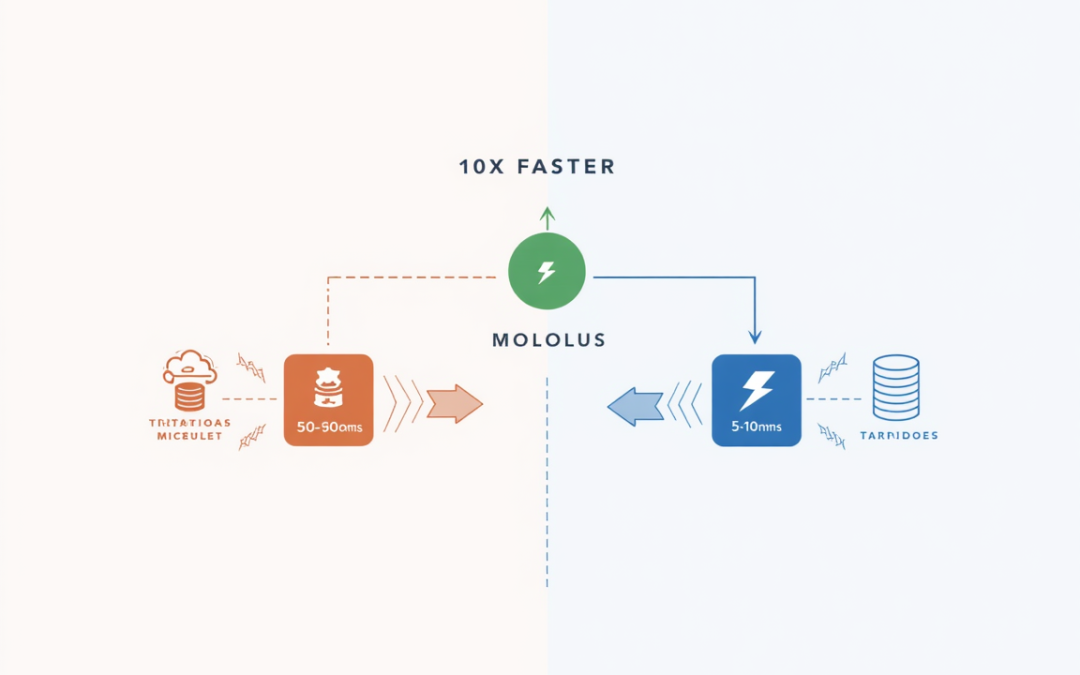
That’s exactly what we did with Prayer Nook and Heis Soma using Rails 7’s multiple database connections—and it cut authentication latency by 70%. User lookups went from 50-100ms to 5-10ms. API calls dropped by thousands per day.

The secret? Direct database access instead of HTTP API calls.

When Rails 7 enhanced multiple database support, it transformed our reasonable architectural decision (custom OAuth2 SSO) into a strategic masterstroke. We maintained microservices-level separation where it mattered while avoiding microservices-level complexity where it didn’t.

This post breaks down the complete implementation: configuration, security model, performance benchmarks, migration strategy, and honest assessment of when this pattern makes sense (and when it absolutely doesn’t).

Spoiler: After three years in production, it was absolutely worth it.
Building a Custom SSO: Why We Chose OAuth2 Over Devise

Building a Custom SSO: Why We Chose OAuth2 Over Devise

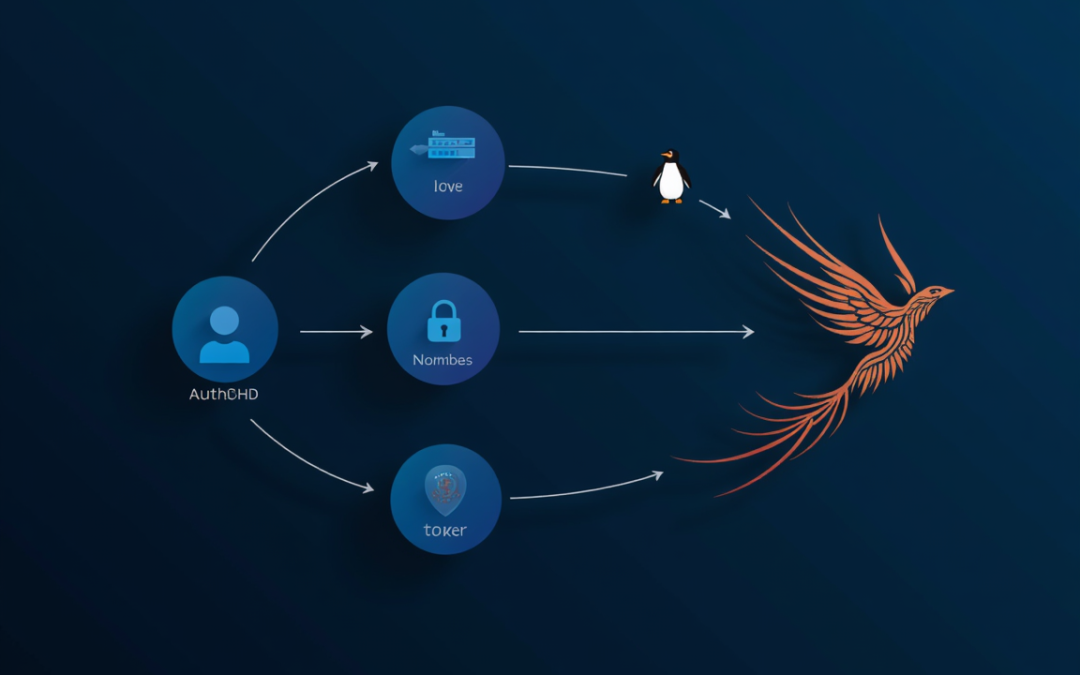
In 2021, we made a decision that seemed crazy: build our own OAuth2 Single Sign-On system instead of using Devise. Three years and three Rails upgrades later, that “crazy” decision looks like strategic foresight.

This is the story of Heis Soma—our custom authentication service powering Prayer Nook and positioning us to serve the broader Christian ministry ecosystem. It’s about architectural decisions, technical tradeoffs, and the surprising ways that following standards can future-proof your applications.

We built ~2,000 lines of OAuth2-compliant code. Survived Rails 6.1 → 8.0 with minimal changes. Achieved 10x performance improvements through Rails 7’s multiple database connections. Served 1,000+ users with zero security incidents.

Was it worth the 200-hour investment? Yes—but not for everyone. Here’s when custom authentication makes sense, when it doesn’t, and what we learned from three years in production.

Installing Ruby 3.4.1 and Rails 8.0.1 on Apple Silicon

Installing Ruby 3.4.1 and Rails 8.0.1 on Apple Silicon

Struggling with Ruby 3.4.1 installation on your M1/M2 Mac? You’re not alone! This guide turns the frustrating OpenSSL dance into a smooth development setup. Learn how to properly configure your Apple Silicon environment for Ruby on Rails 8 development, complete with troubleshooting tips and clean configuration templates. No more version manager tangles – just pure coding joy!

From Rails 6.1 to 7.0 to 8.0: A Three-Generation Migration Journey

From Rails 6.1 to 7.0 to 8.0: A Three-Generation Migration Journey

Six years after deploying on Rails 6.1, upgrading to Rails 8.0 proved a challenging yet educational journey. Each release brought technical hurdles like Webpacker transitions and gem issues, but also improvements like asynchronous queries and better database support, turning maintenance into valuable learning about Rails’ evolution.

Stay Updated with Topher Codes